

Cubit Mesh#
Geometry#
We construct the geometry for the vertical cross section using 2D primitives available in Cubit.
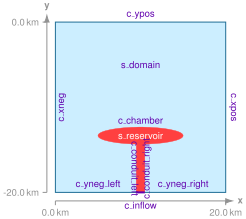
Fig. 161 Geometry created in Cubit for generating the finite-element mesh. The names of the vertices and curves match the ones we use in the Cubit Python script.#
Meshing using Python script#
Note
New in v4.1.3.
We use a Python script to generate the mesh rather than Journal files. We also use the skeleton sizing function for the surface.
We use the Python script generate_cubit.py to generate the mesh.
The Python script is setup so that it can be run from within Cubit or as a standalone Python script without the Cubit GUI interface.
In this example, we will run the script from within Cubit using the Journal editor.
Open the Python script generate_cubit.py in the Cubit journal editor.
Play the selected script or play the lines, making sure you play the first line so that Cubit uses the Python interpreter when running the script.
We specify the parameters controlling the geometry, mesh size, and cell shape near the top of the script.
Important
We reference objects by their centroid so the resulting script should be independent of the version of Cubit that is being used.
Note
We use the skeleton sizing function to gradually increase the cell size with distance from the magma reservoir. This is much simpler than applying the bias sizing function to the curves and surfaces. We set the minimim size equal to the cell size on the reservoir boundary and the maximum gradient equal to the “bias”.
After running the Python script in Cubit, you will have a corresponding Exodus-II file (mesh_tri.exo or mesh_quad.exo).
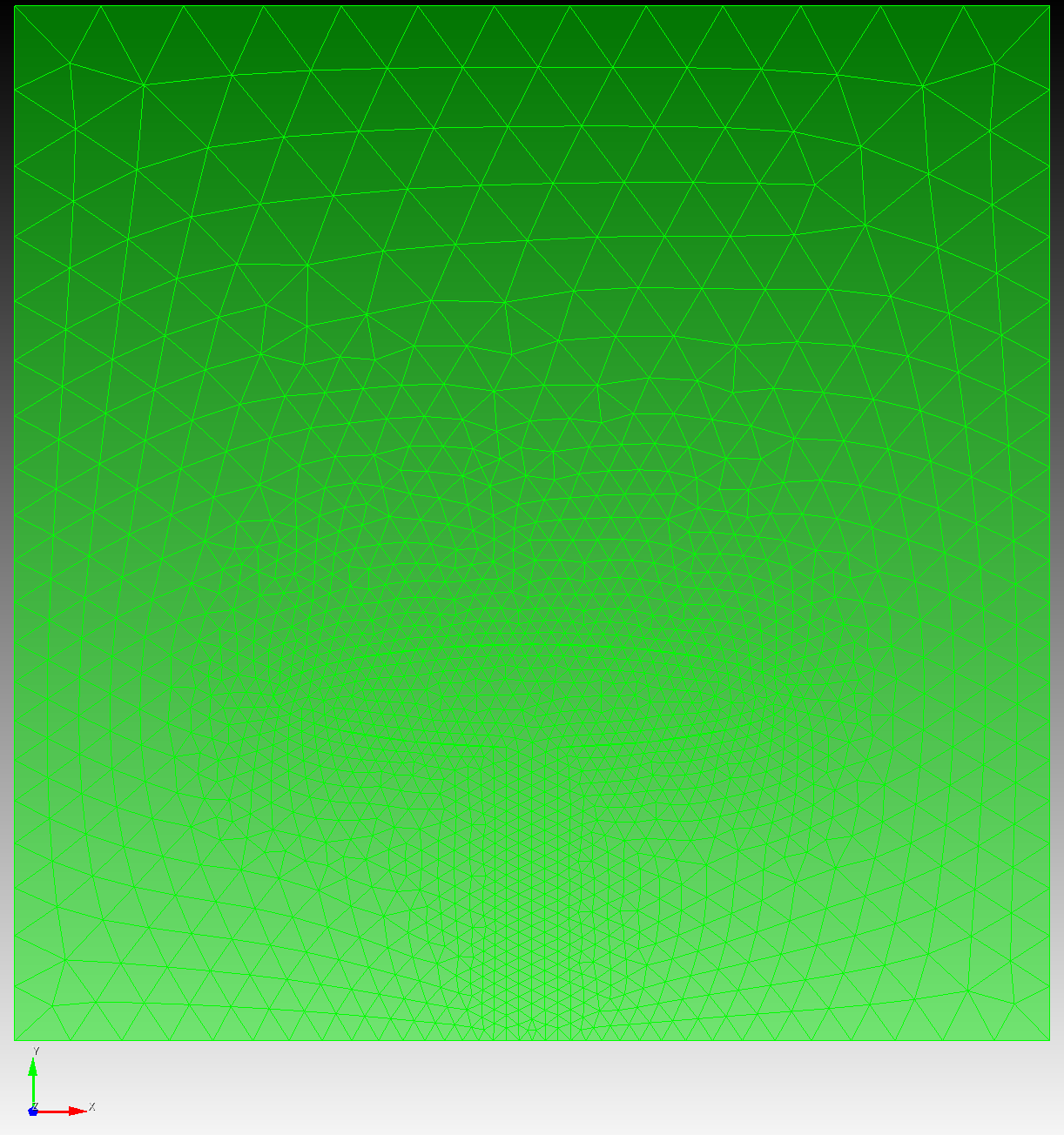
Fig. 162 Finite-element mesh with triangular cells generated by Cubit.#
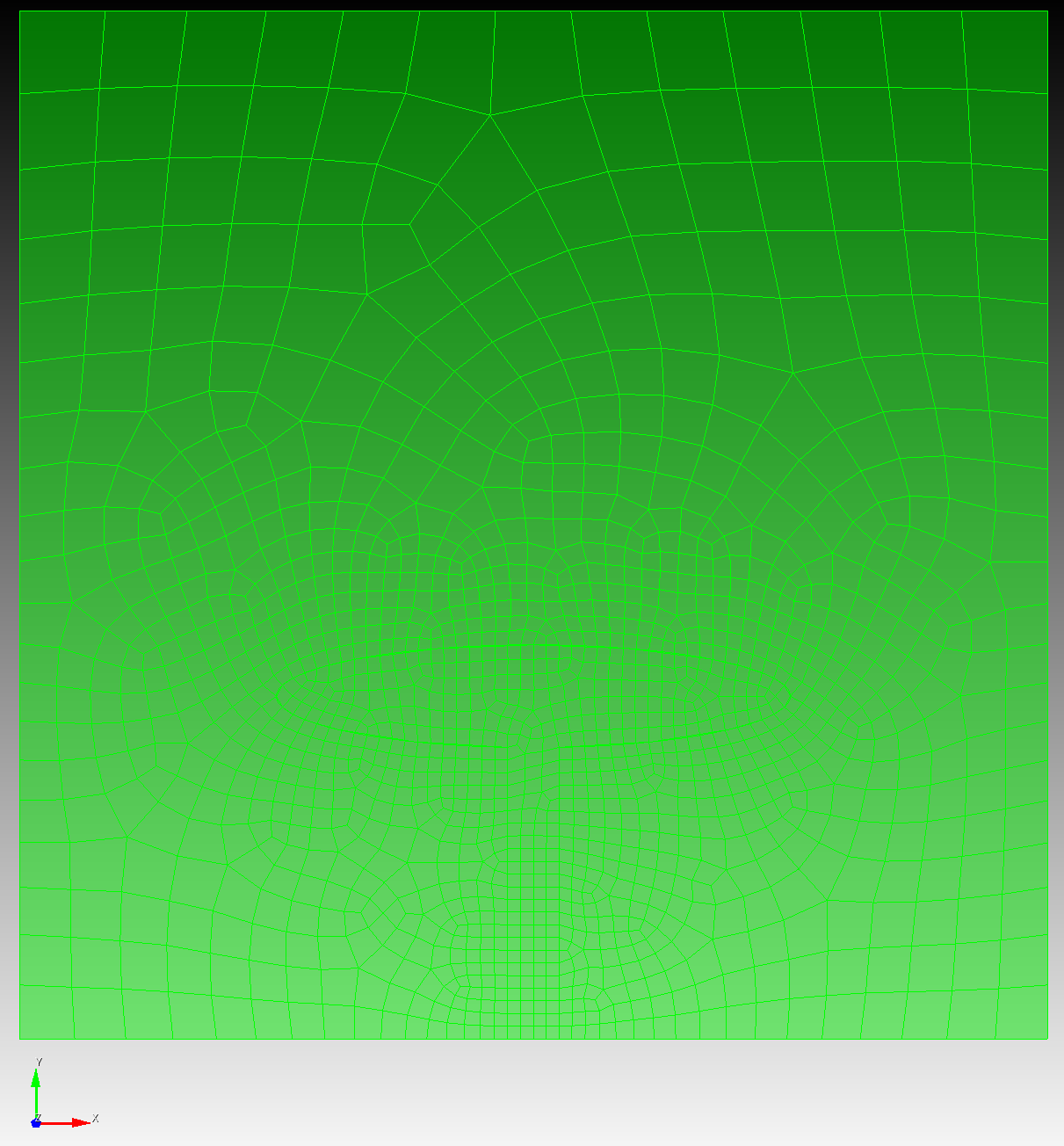
Fig. 163 Finite-element mesh with quadrilateral cells generated by Cubit.#